Import your data from Anow
You can import your historical order, client and contact details from Anow into Appraisal Inbox in just a few steps.
Open Anow Analytics
-
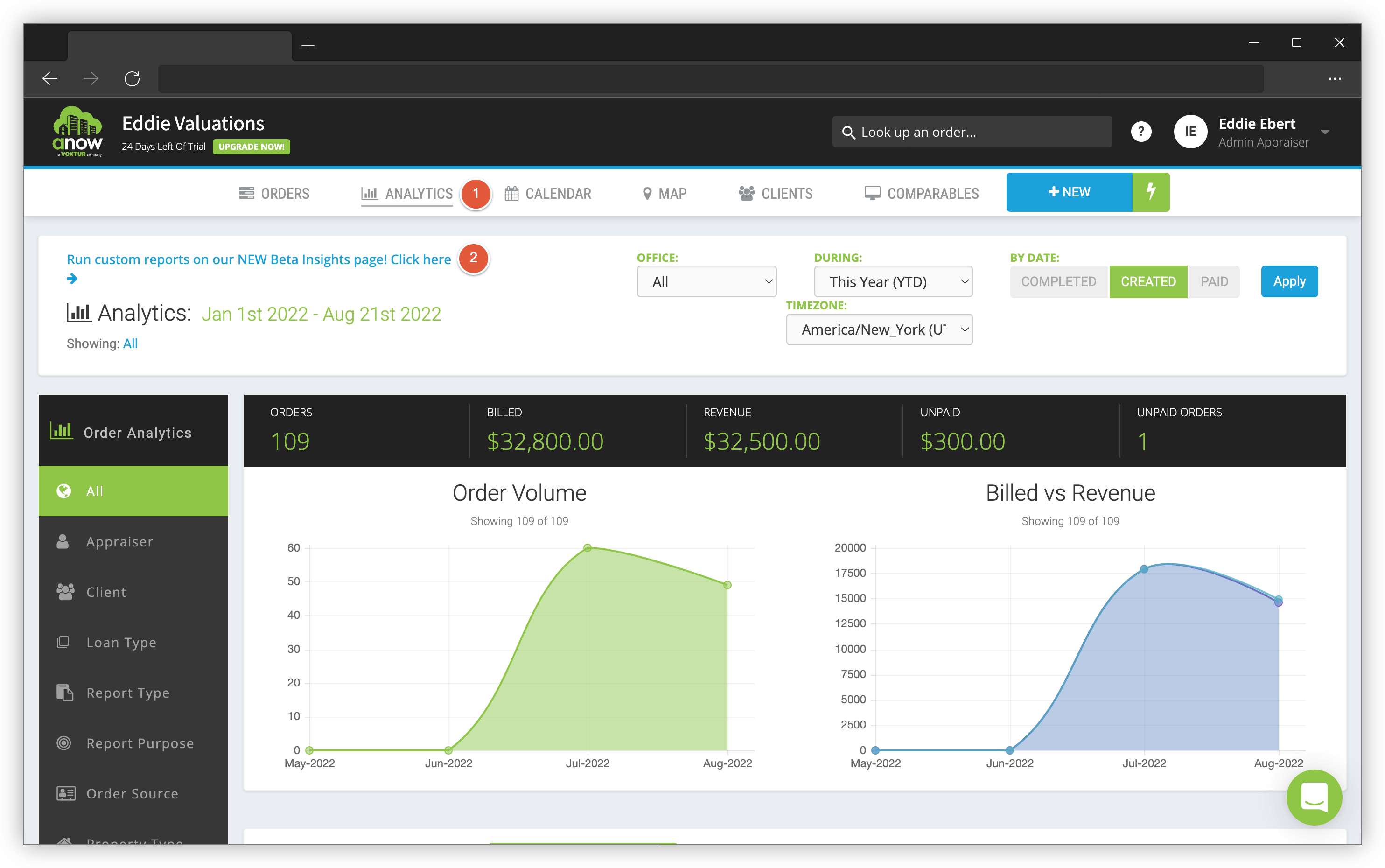
Navigate to Analytics in the top navigation menu.
-
Click the blue Run custom reports on our NEW Beta Insights page! link.
Create "Custom Reports"
-
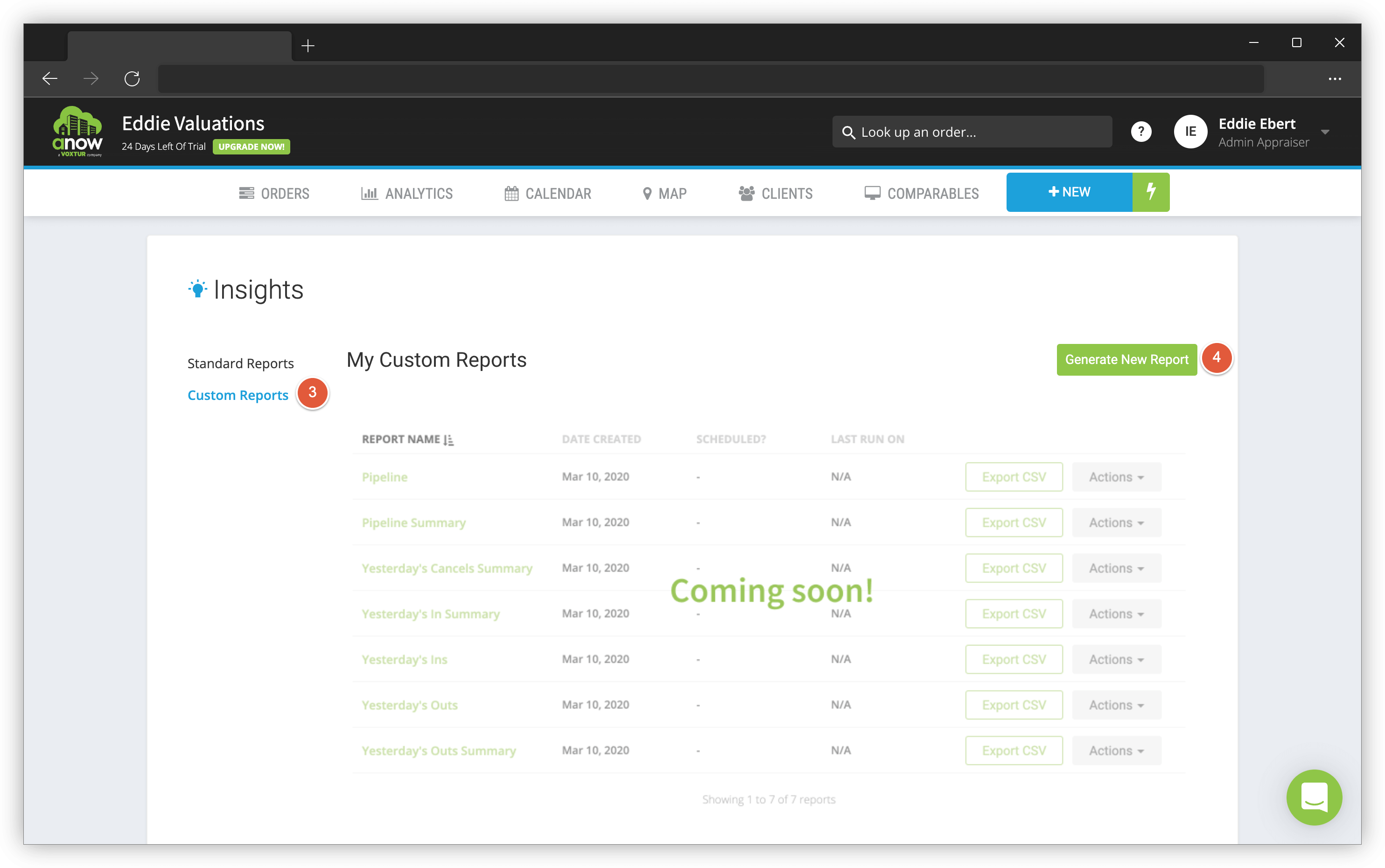
Click the Custom Reports link.
-
Click the green Generate New Report button.
Select Your Data
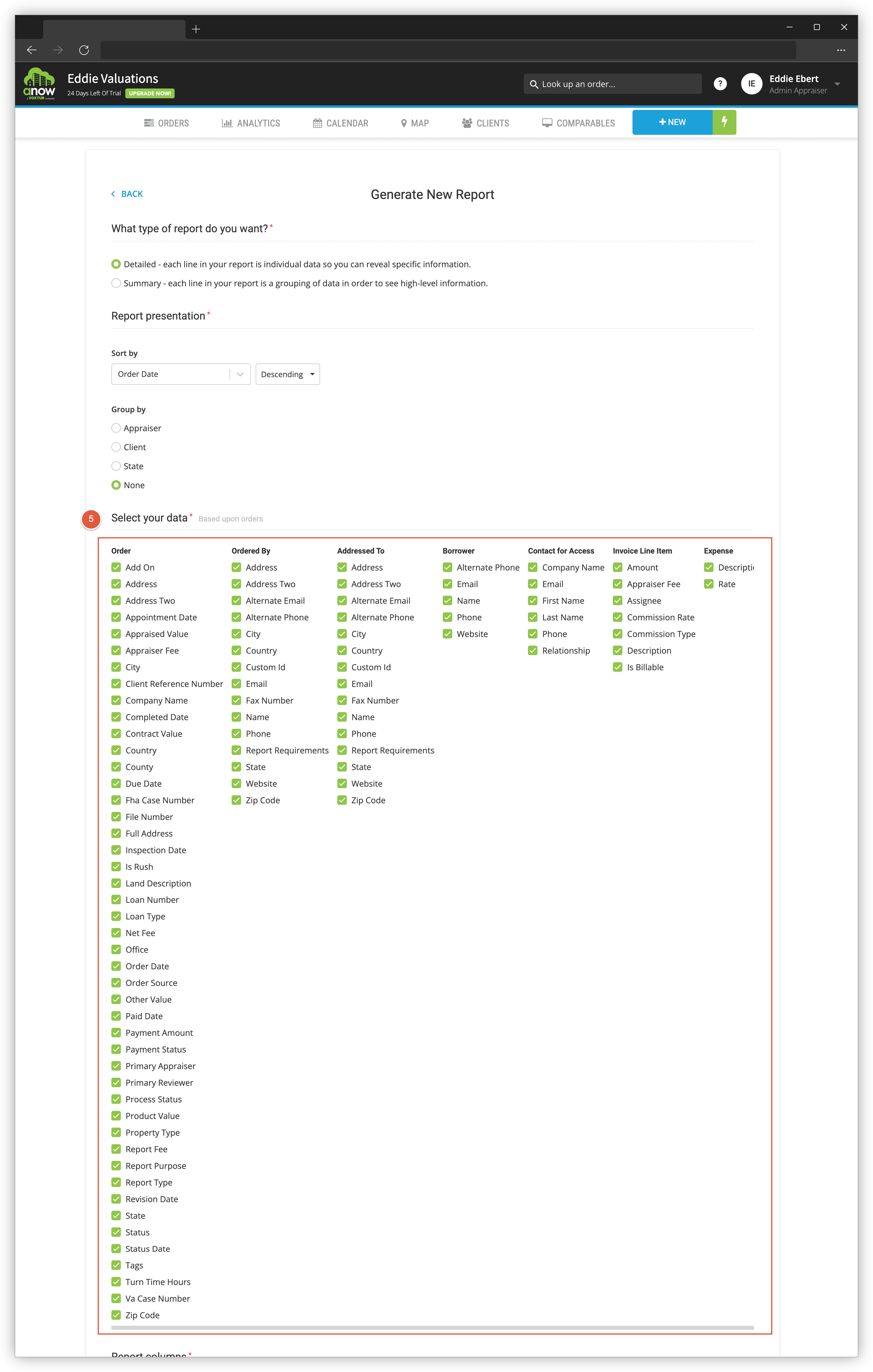
Scroll down and click every checkbox under the Select your data section.
Run & Export to CSV
-
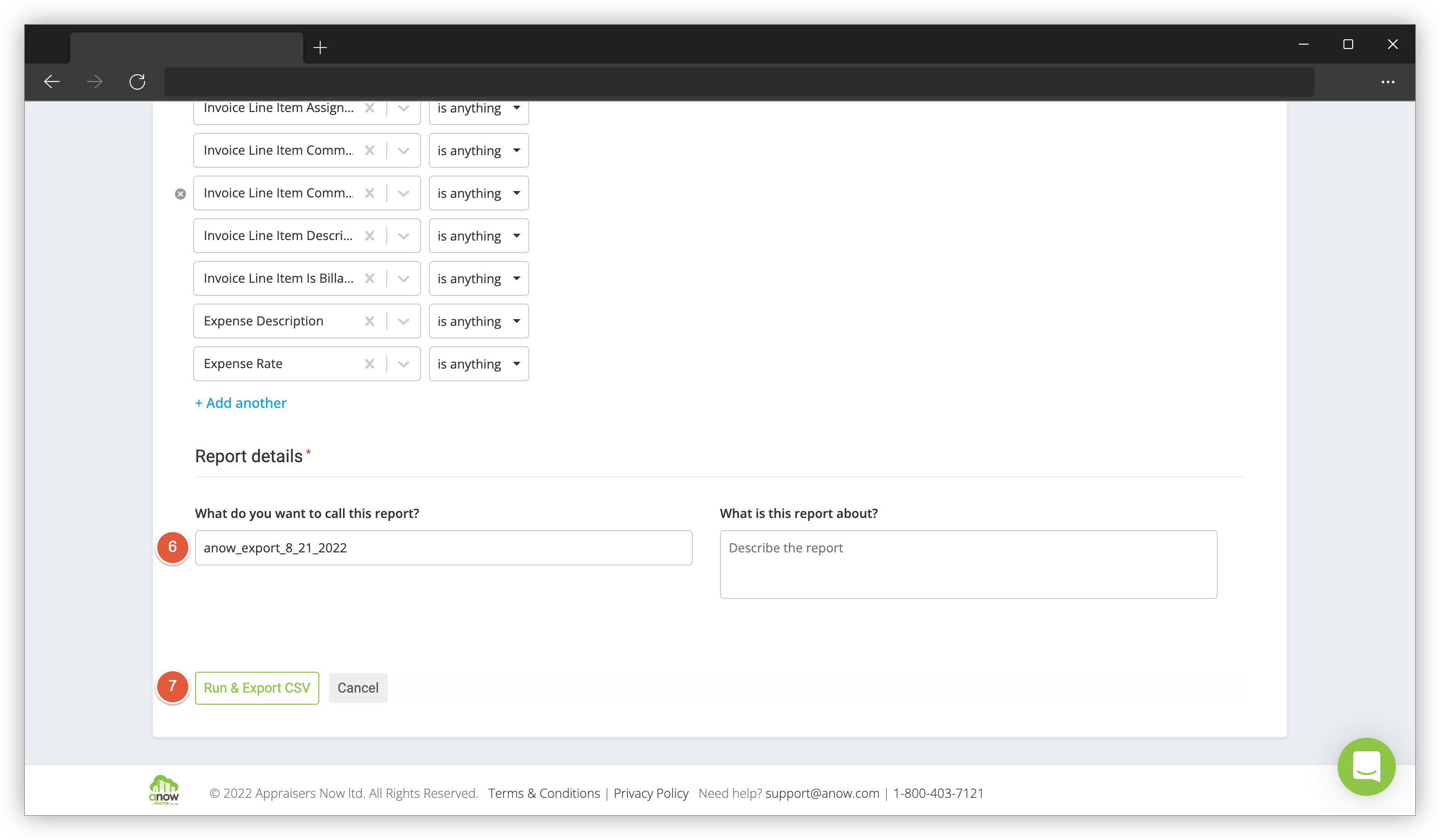
At the bottom of the page, title your report anow_export_month_day_year.
-
Click Run & Export CSV.
Your export will be downloaded to your Downloads folder (or whichever location you select).
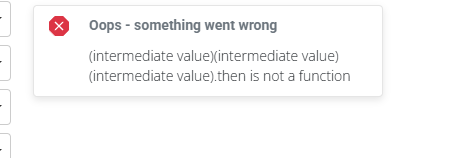
Issues Exporting From Anow
Import Your Data
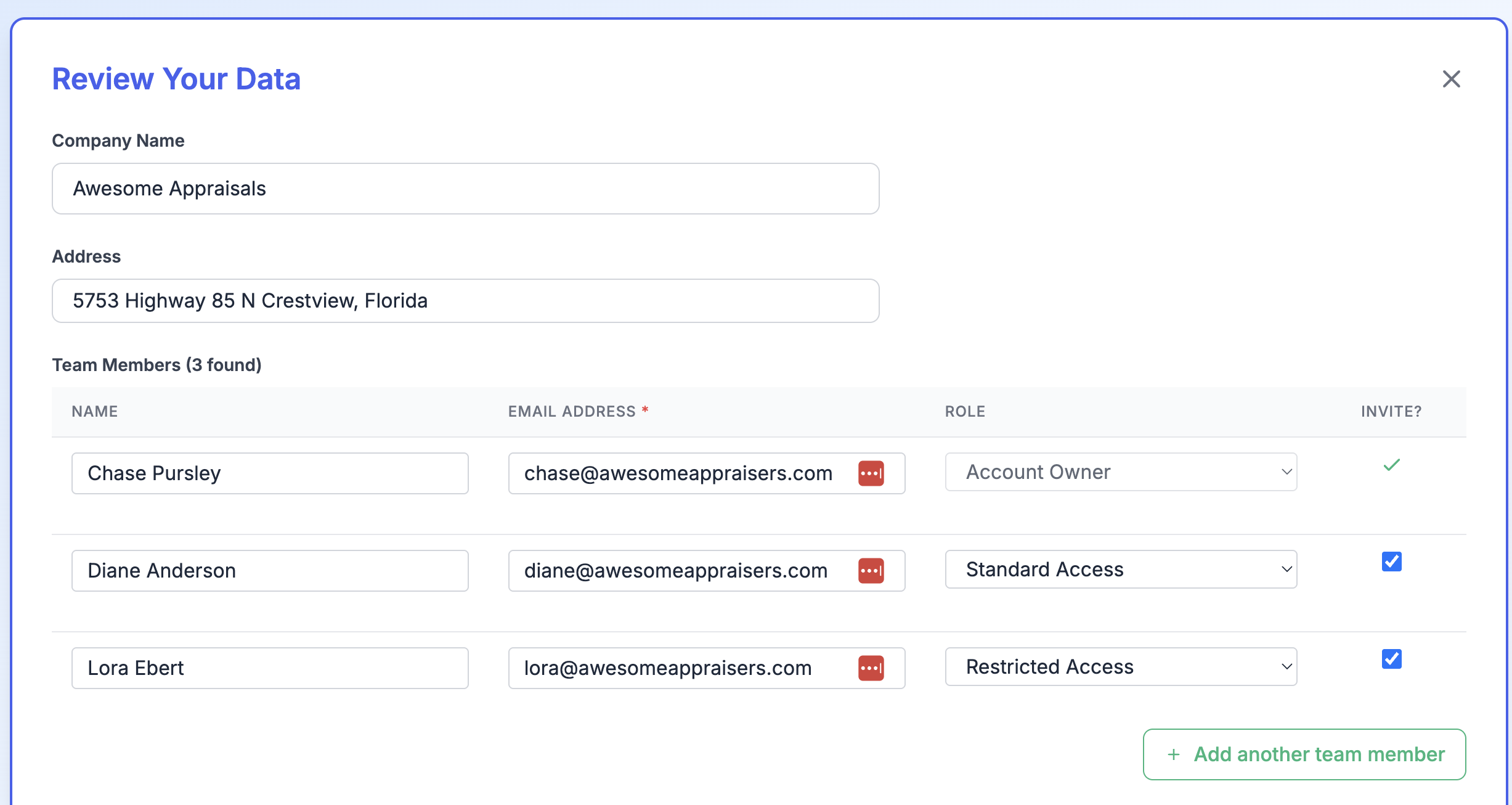
Navigate to https://a-then.com and upload your Anow CSV. Enter your team member's email addresses and select their user role. If you have multiple CSV exports, you can upload them one at a time, just be sure the team member email addresses match the previous imports.